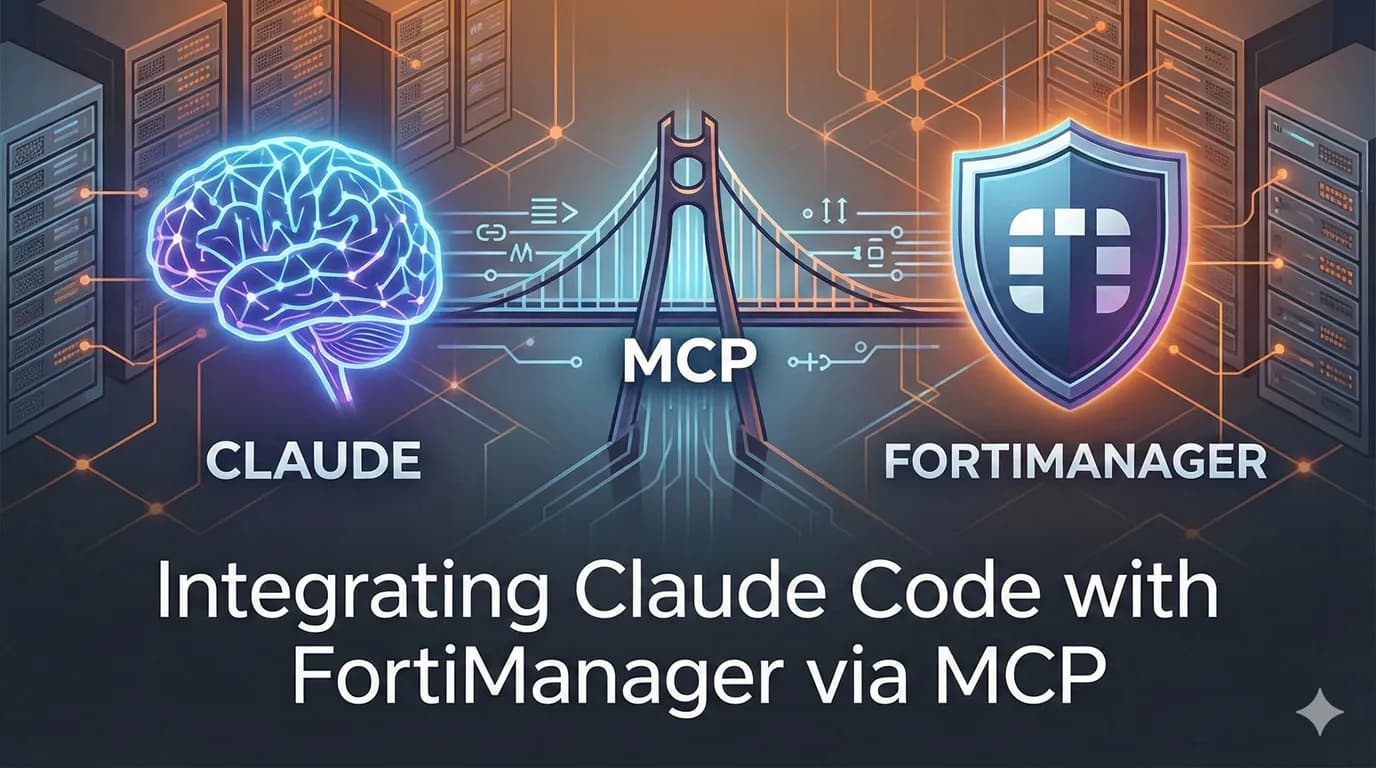
If you manage Fortinet infrastructure at scale, you already know FortiManager's JSON-RPC API is powerful but sometimes painful to use because of it being very detailed. Every operation requires carefully constructed JSON payloads, session management, ADOM locking, and task tracking. What if you could just tell your terminal what you want and have it handle the rest?
That's exactly what happens when you connect Claude Code to FortiManager through MCP (Model Context Protocol). This post walks through the architecture, setup, and real-world workflows.
What is MCP?
MCP is an open protocol that standardizes how AI tools connect to external systems. Think of it as a universal adapter — Claude Code acts as the client, and an MCP server wraps your FortiManager API into tools that Claude can discover and invoke.
The key insight: instead of writing Python scripts or Ansible playbooks for every task, you describe what you want in plain English. Claude figures out which API calls to make, chains them together, and handles the JSON-RPC boilerplate.
The FortiManager API in 60 Seconds
For those less familiar: FortiManager exposes a single JSON-RPC endpoint at https://<fmg>/jsonrpc. Every request uses the same envelope:
{
  "method": "get",
  "params": [{
    "url": "/pm/config/adom/root/obj/firewall/address",
    "data": {}
  }],
  "session": "your-session-token"
}
Methods include get, add, set, update, delete, and exec. URL paths follow a hierarchy: /pm/config/adom/{adom}/obj/ for objects, /pm/config/adom/{adom}/pkg/{pkg}/ for policy packages, and /dvmdb/ for device management.
When workspace mode is enabled (as it should be in production), you need to lock the ADOM before making changes, commit, then unlock. Installations are asynchronous — you kick them off and poll a task ID. It's well-designed but ceremony-heavy for quick operations.
Architecture Overview
The integration has three layers:
┌─────────────┐     stdio/HTTP      ┌──────────────────┐    JSON-RPC/HTTPS    ┌───────────────┐
│ Claude Code  │ ◄──────────────────► │  MCP Server      │ ◄─────────────────► │ FortiManager  │
│ (AI client)  │   MCP protocol      │  (Python/TS)     │   FMG API           │ (appliance)   │
└─────────────┘                      └──────────────────┘                     └───────────────┘
The MCP server is the translation layer. It exposes FortiManager operations as discrete tools that Claude can call — things like get_firewall_addresses, create_policy, or install_package. Claude sees the tool descriptions, understands what they do, and calls them with the right parameters based on your natural language request.
Setting It Up
Option 1: Existing MCP Server
There's an open-source FortiManager MCP server at jmpijll/fortimanager-mcp that covers the full FortiManager 7.4+ API surface (~590 tools). It runs in Docker:
# Add to Claude Code
claude mcp add --transport stdio \
  --env FORTIMANAGER_HOST=fmg.internal.corp \
  --env FORTIMANAGER_API_TOKEN=your-token \
  fortimanager -- docker run --rm -i \
  -e FORTIMANAGER_HOST -e FORTIMANAGER_API_TOKEN \
  fortimanager-mcp
This gets you up and running fast. The server supports a dynamic mode that lazy-loads tool definitions (keeping context usage at ~3K tokens instead of ~118K), which matters when you have other MCP servers connected too.
Option 2: Build Your Own
If you want tighter control or only need a subset of operations, building a focused MCP server is straightforward with Python's FastMCP:
from mcp.server.fastmcp import FastMCP
import aiohttp
import os

mcp = FastMCP("fortimanager")

FMG_HOST = os.environ["FMG_HOST"]
FMG_TOKEN = os.environ["FMG_TOKEN"]

async def fmg_call(method: str, url: str, data: dict = None) -> dict:
    payload = {
        "method": method,
        "params": [{"url": url, **(({"data": data}) if data else {})}],
        "session": FMG_TOKEN
    }
    async with aiohttp.ClientSession() as s:
        async with s.post(
            f"https://{FMG_HOST}/jsonrpc",
            json=payload, ssl=False
        ) as r:
            resp = await r.json()
            return resp["result"][0]

@mcp.tool()
async def get_firewall_addresses(adom: str = "root") -> str:
    """List all firewall address objects in an ADOM."""
    result = await fmg_call("get",
        f"/pm/config/adom/{adom}/obj/firewall/address")
    return str(result["data"])

@mcp.tool()
async def create_address_object(
    name: str, subnet: str, comment: str = "", adom: str = "root"
) -> str:
    """Create a firewall address object. Subnet format: '10.0.1.0/24'."""
    ip, mask = subnet.split("/")
    bits = int(mask)
    netmask = ".".join(
        str((0xFFFFFFFF << (32 - bits) >> i) & 0xFF)
        for i in [24, 16, 8, 0]
    )
    result = await fmg_call("add",
        f"/pm/config/adom/{adom}/obj/firewall/address",
        {"name": name, "type": "ipmask",
         "subnet": [ip, netmask], "comment": comment})
    return str(result["status"])

@mcp.tool()
async def install_policy_package(
    pkg: str, device: str, vdom: str = "root", adom: str = "root",
    preview_only: bool = False
) -> str:
    """Install a policy package to a device. Set preview_only=True for dry-run."""
    data = {
        "adom": adom, "pkg": pkg,
        "scope": [{"name": device, "vdom": vdom}]
    }
    if preview_only:
        data["flags"] = ["preview"]
    result = await fmg_call("exec",
        "/securityconsole/install/package", data)
    return str(result)

mcp.run(transport="stdio")
Save this as fmg_mcp.py, then register it in Claude Code:
claude mcp add --transport stdio \
  --env FMG_HOST=10.0.1.100 \
  --env FMG_TOKEN=your-api-token \
  fortimanager -- python3 fmg_mcp.py
The custom approach lets you add guardrails — for instance, always requiring preview before install, or restricting which ADOMs are accessible.
Real-World Workflows
Once connected, here's what day-to-day usage looks like:
Incident Response
> "Block IP 203.0.113.50 on all production firewalls — it's hitting our
   web servers with SQLi attempts. Use address group Blocked_Attackers
   in ADOM PROD."
Claude will: create the address object, add it to the group, install the updated policy package, and report back the task status. What would normally be 4-5 API calls with ADOM locking becomes one sentence.
Auditing
> "Show me all policies in the DMZ package that allow 'any' as source
   or destination address. Flag anything with action=accept."
Claude fetches the policies, filters them, and presents a clear summary. No jq gymnastics needed.
Bulk Operations
> "We're decommissioning the 10.5.0.0/16 network. Find all address
   objects referencing that range, list which policies use them, and
   tell me what would break if we remove them."
This kind of cross-referencing is tedious via API but trivial for an LLM that can chain multiple lookups together.
Change Validation
> "Preview installing the updated edge-fw package to FortiGate-DC01.
   Show me the diff before we push."
Claude runs the preview install, retrieves the diff, and presents it. You review, then say "go ahead" to push it live.
Practical Considerations
Workspace Locking
If your FortiManager uses workspace mode (and it should in production), your MCP server needs to handle the lock → change → commit → unlock cycle. The existing fortimanager-mcp handles this, but if you're rolling your own, make sure to implement it — or you'll get -10147 errors on every write operation. Use context managers or try/finally blocks to ensure locks are always released.
ADOM Scoping
Be explicit about which ADOMs the MCP server can access. In a multi-tenant setup, you don't want Claude accidentally modifying MSSP customer A's policies when you meant customer B. Consider creating separate MCP server instances per ADOM, or implementing ADOM allowlists.
Read-Only vs. Read-Write
Start with a read-only API token (rpc-permit read) and graduate to read-write once you're comfortable. The audit and analysis use cases are valuable on their own. FortiManager API tokens (available in 7.2.2+) are strongly preferred over session-based auth for automation.
Rate Limiting and Session Management
FortiManager has a session limit. If you're using session-based auth, make sure your MCP server reuses sessions and logs out properly. API tokens sidestep this entirely — one more reason to prefer them.
Approval Gates
Claude Code's permission model already prompts you before executing tools. But for destructive operations (deleting objects, pushing config to devices), consider adding explicit confirmation in your MCP tool definitions — return a preview and require a separate "confirm" tool call. Defense in depth.
Why This Works Well
The strength of this integration isn't just convenience. There are some real architectural advantages:
Reduced cognitive load. FortiManager's URL hierarchy (
/pm/config/adom/{adom}/pkg/{pkg}/firewall/policy) is logical but hard to remember. Claude knows the structure; you describe the intent.Cross-referencing at speed. Tracing which address objects are used in which policies across which ADOMs is exactly the kind of multi-step lookup that LLMs handle well.
Consistent operations. The MCP server encodes your best practices — always locking, always committing, always checking task status. No more half-applied changes from forgotten unlock calls.
Audit trail. Every tool invocation is visible in Claude Code's output. Combined with FortiManager's built-in revision history, you get full traceability of what was changed and why.
Low adoption barrier. Unlike Ansible playbooks or Terraform configs that need to be written, tested, and maintained, MCP tools are invoked conversationally. The learning curve is negligible for anyone already using Claude Code.
What This Won't Replace
To be clear: this isn't a replacement for proper IaC pipelines. If you have a mature Terraform or Ansible workflow with version-controlled policies, CI/CD validation, and peer review — keep it. MCP shines in the gaps: ad-hoc investigations, incident response, quick audits, prototyping changes, and those "I just need to check one thing" moments that would otherwise mean opening the GUI or writing throwaway scripts.
Getting Started
Install Claude Code if you haven't already.
Create a FortiManager API user with an API token (FortiManager 7.2.2+).
Set up the MCP server — either the existing one or write a focused one for your needs.
Register it with
claude mcp add.Start with read-only operations: list devices, query policies, audit configurations.
Graduate to write operations once you trust the workflow.
The combination of Claude's reasoning with FortiManager's centralized control creates something genuinely useful for day-to-day network security operations. Give it a try — your future self debugging a firewall rule at 2 AM will thank you.