You carefully choose your firewall, segment your VLANs, rotate your secrets, and lock down SSH. Then you run helm install some-random-chart from a GitHub repo with 12 stars and no verified maintainer. Sound familiar?
Supply chain security is one of the most overlooked risks in homelabs. We obsess over perimeter defense while blindly trusting the software we pull into our environments. A CISO at any organization would lose sleep over this — and so should you.
The Attack Surface You Don't See
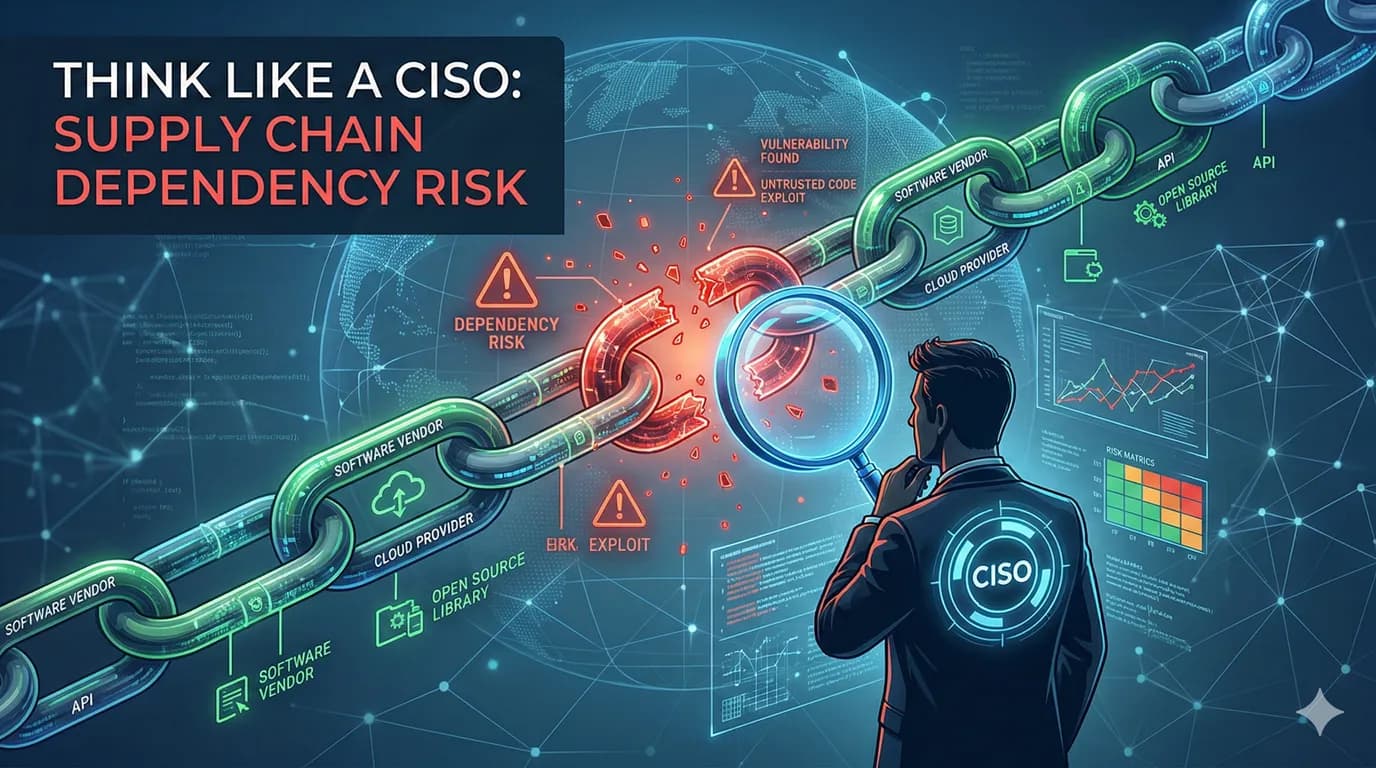
Every time you pull a container image, install a Helm chart, add an npm package, or run a CI pipeline, you're extending trust to someone else's code. That trust chain looks something like this:
- You trust Docker Hub to serve the image the maintainer published
- You trust the maintainer to not include malicious code
- You trust the maintainer's dependencies to be clean
- You trust that nobody compromised the maintainer's account
- You trust the build pipeline that produced the artifact
That's a lot of trust. And in a homelab, where we tend to move fast and skip verification, every link in that chain is an opportunity for compromise.
Container Images: The Biggest Blind Spot
Let's be honest — most of us have run docker pull on an image we found in a blog post without a second thought. But consider what's actually inside that image:
- A base OS layer you didn't choose and probably haven't audited
- Application code you haven't reviewed
- Dependencies pulled at build time from public registries
- Possibly hardcoded credentials, crypto miners, or reverse shells
The :latest tag makes this worse. It's mutable — the image it points to today might not be the same image tomorrow. You could redeploy your stack and get a completely different binary without knowing it.
What a CISO Would Do
- Pin image digests, not tags. Use
image: nginx@sha256:abc123...instead ofimage: nginx:latest. This guarantees reproducibility. - Use official or verified images. Docker Official Images and Verified Publisher images have at least some review process.
- Scan images before deploying. Tools like Trivy, Grype, or Snyk can identify known CVEs in image layers. A quick
trivy image myapp:latesttakes seconds and can save you from running a known-vulnerable OpenSSL. - Run your own registry. Pull images once, scan them, and serve them from a private registry (Gitea, Harbor, or even a simple registry:2 container). This also protects you from upstream outages and supply chain attacks hitting public registries.
Helm Charts: Infrastructure as Someone Else's Code
Helm charts are particularly dangerous because they don't just deploy an application — they create RBAC roles, service accounts, network policies, persistent volumes, and sometimes cluster-wide resources. A malicious or poorly written chart can:
- Create a ClusterRoleBinding giving a pod full admin access
- Mount the host filesystem into a container
- Disable security contexts and run as root
- Deploy sidecar containers you didn't ask for
And most of us just helm install without reading the templates.
What a CISO Would Do
- Always read the templates. Run
helm templatebeforehelm installand actually review what's being created. Look for privileged containers, hostPath mounts, and overly broad RBAC. - Pin chart versions. Never install from
--develor unversioned references. Lock versions in your values files or a Helmfile. - Prefer well-maintained charts. Check the repo's commit history, open issues, and maintainer activity. A chart last updated two years ago is a liability.
- Override security-sensitive defaults. Most charts default to running as root with no resource limits. Always set
securityContext,runAsNonRoot, and resource requests/limits in your values.
CI/CD Pipelines: The Keys to the Kingdom
Your CI/CD pipeline has access to your container registry, your Kubernetes cluster, your secrets, and your deployment infrastructure. It's the most privileged system in your stack — and it runs arbitrary code from your git repo on every push.
Think about what a compromised pipeline can do:
- Exfiltrate secrets from environment variables
- Push backdoored images to your registry
- Modify deployments in your cluster
- Pivot to other systems using stored credentials
If you're using self-hosted runners (like Gitea Actions with act_runner), the risk is even higher — those runners often have direct access to the host system, SSH keys, and local credentials.
What a CISO Would Do
- Principle of least privilege. Your CI runner should only have the permissions it absolutely needs. Don't give it cluster-admin when it only needs to restart a deployment.
- Isolate runners. Run CI jobs in containers or VMs, not directly on the host. If you must use host runners, ensure they can't access sensitive files like
~/.ssh/or~/.config/. - Audit your workflow files. Every GitHub Action or Gitea Action you reference is third-party code. Pin actions to commit SHAs, not tags.
uses: actions/checkout@v4is mutable;uses: actions/checkout@abc123is not. - Rotate CI credentials. Pipeline tokens and registry credentials should have short lifetimes and be rotated regularly. Store them in a secrets manager, not in environment variables or config files.
Package Managers: npm, pip, and the Left-Pad Problem
Every npm install or pip install pulls a tree of transitive dependencies you've never heard of. The average Node.js project has hundreds of dependencies. Each one is a potential vector for:
- Typosquatting — malicious packages with names similar to popular ones
- Account takeover — a maintainer's npm account gets compromised
- Dependency confusion — a public package shadows your private one
- Post-install scripts — npm packages can run arbitrary code during installation
What a CISO Would Do
- Use lockfiles religiously.
package-lock.json,poetry.lock,go.sum— these files pin exact versions and integrity hashes. Commit them. Usenpm ci(notnpm install) in CI. - Audit regularly.
npm audit,pip-audit, andgovulncheckflag known vulnerabilities. Make this part of your CI pipeline. - Minimize dependencies. Do you really need a package for left-padding a string? Every dependency is an attack surface. Fewer dependencies means fewer things that can go wrong.
- Review post-install scripts. For npm, consider using
--ignore-scriptsand only allowing scripts for packages that genuinely need them.
The Homelab Advantage
Here's the thing — as a homelabber, you actually have an advantage over large organizations. You control the entire stack. You can:
- Run a private registry and only allow pre-scanned images into your cluster
- Review every Helm chart before it touches your infrastructure (you only have a handful)
- Pin everything without navigating change management processes
- Build from source when you don't trust a pre-built binary
- Air-gap sensitive workloads from the internet entirely
The scale of a homelab makes supply chain hygiene feasible in a way that's genuinely difficult at enterprise scale. You don't need a fancy software composition analysis platform — you just need the discipline to check what you're installing before you install it.
A Practical Checklist
You don't need to do everything at once. Start here:
- Inventory your images. Run
kubectl get pods -A -o jsonpath='{range .items[*]}{.spec.containers[*].image}{"\n"}{end}' | sort -uand look at what you're actually running. How many are pinned to a digest? How many are:latest? - Scan one thing. Pick your most exposed service and run
trivy imageon it. See what comes up. - Read one Helm chart. Next time you install something, run
helm templatefirst. Search forprivileged,hostPath, andClusterRole. - Pin your CI actions. Replace tag references with commit SHAs in your workflow files.
- Set up a private registry. Even a simple Gitea instance with its built-in OCI registry is enough.
Final Thought
Supply chain attacks are not theoretical. SolarWinds, Codecov, the ua-parser-js npm incident, the xz backdoor — these are real attacks that compromised real infrastructure through trusted software channels. Your homelab runs the same software, from the same registries, built by the same pipelines.
A CISO's job is to ask: "What happens when something we trust turns out to be untrustworthy?" For your homelab, the answer starts with knowing exactly what you've pulled in — and making a conscious decision to trust it.